Nationwide MySiren Test This Sunday: What to Tell Your Parents
Malaysia tests the MySiren emergency alert system nationwide on Sunday, 29 November. Here is what to check on your parents' phones and what the alert will look like.
Also in Bahasa Melayu
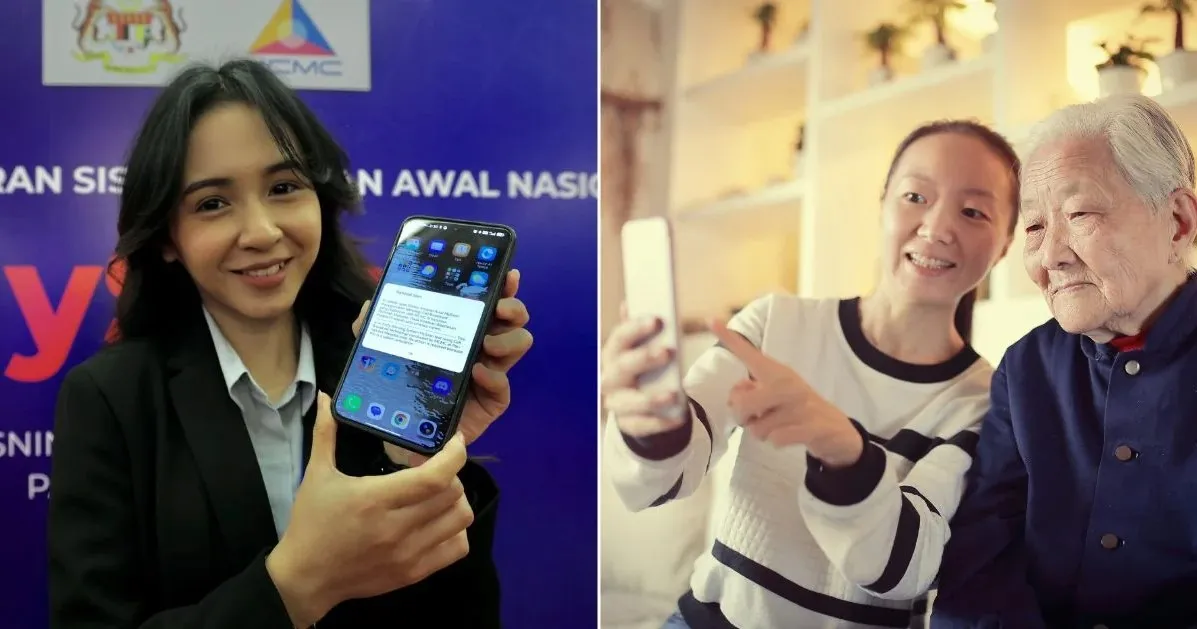
Malaysia will test MySiren, its national early warning system, across the country this Sunday, 29 November. If your phone starts buzzing that day, the alert is most likely the test. Stay calm, read the message in full, and you will know quickly whether it is a drill.
MySiren is designed to warn people about emergencies such as floods, severe weather, tsunamis, major fires and hazardous material incidents. According to an FAQ published by the Malaysian Communications and Multimedia Commission (MCMC), alerts are sent using Cell Broadcast technology to compatible phones in affected areas, over participating 4G and 5G networks. There is no app to download, no registration and no subscription. The alerts do not use mobile data or Wi-Fi, so they will not eat into your data quota.
Before Sunday, it helps to check a few things on your parents' phones. MCMC's current guidance lists iPhone 11 or newer on iOS 27.2 or later, compatible Android devices on Android 12 or later, and Huawei devices on EMUI 16 or later. Update the software, restart the phone, then look for Government Alerts or Wireless Emergency Alerts in the settings. The menu name can differ from phone to phone.
Meeting those requirements does not guarantee the alert will arrive. Device compatibility, settings and network coverage all matter too. Phones that only support 2G or 3G cannot receive MySiren alerts, and some older 4G handsets may not either.
One last reminder for your parents: MySiren will never ask for passwords, bank details, one-time passwords or payments. If a message like that turns up, treat it as a scam, not as part of the system.